
Do you want to speed up your Finops practice on Azure?. Here we follow our last post with some simple approaches to allocate cost.
Today, we have some nice workarounds and most important very effective to understand our cloud spending. Within Azure Finops tools we can deploy ARM templates as “Cost optimization workbook” and “Governance workbook”.

Second Takeaway (The first one in the previous post):
Cost optimization Workbook is pretty useful to allocate in a single pane of glass some spending issues within your subscriptions.
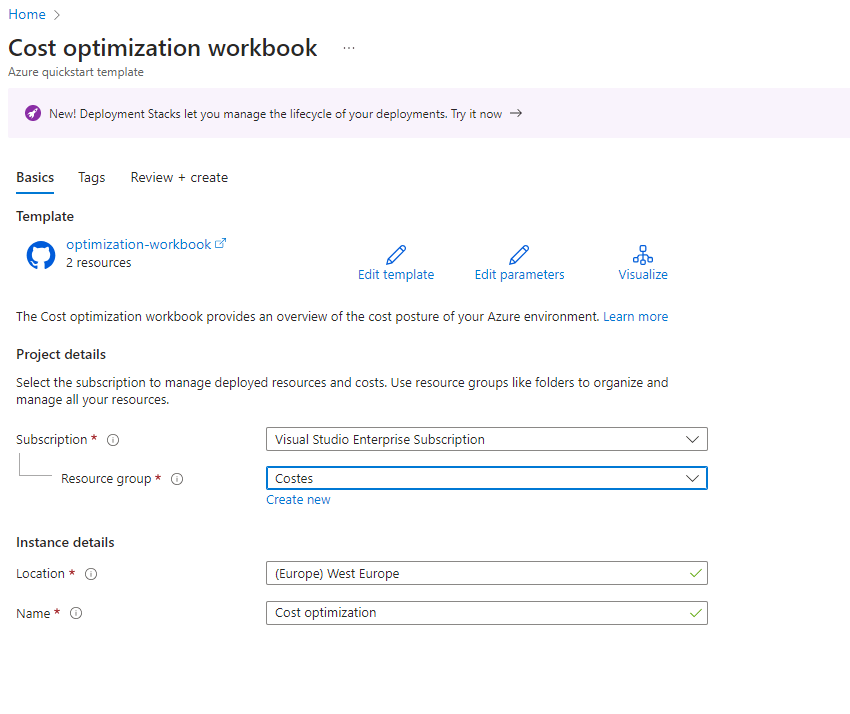
First you need to roll out this ARM Template and choose you subscription and resource group.

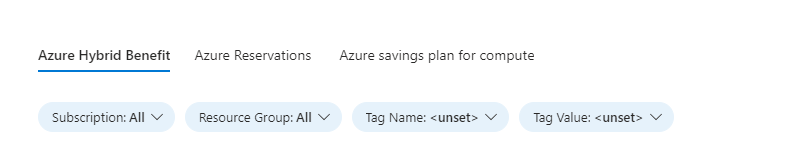
Now you can start to explore several interesting TABS such as an overview of you current “Rate Optimization” and “Usage Optimization” :

Even we can figure out if we really leverage Software Assurance hybrid benefits on the cloud. Moreover, we can identify which reserves do we have assigned to the subscription and if we can adopt a complementary approach between Reservations and Saving plans.
Third Takeaway:
Governance Workbook is also a great approach to allocate cost just in a very quick browse of your subscriptions.

You can modify some variables or change some stuff in the Azure ARM Template for this workbook if you want more accuracy in some area.

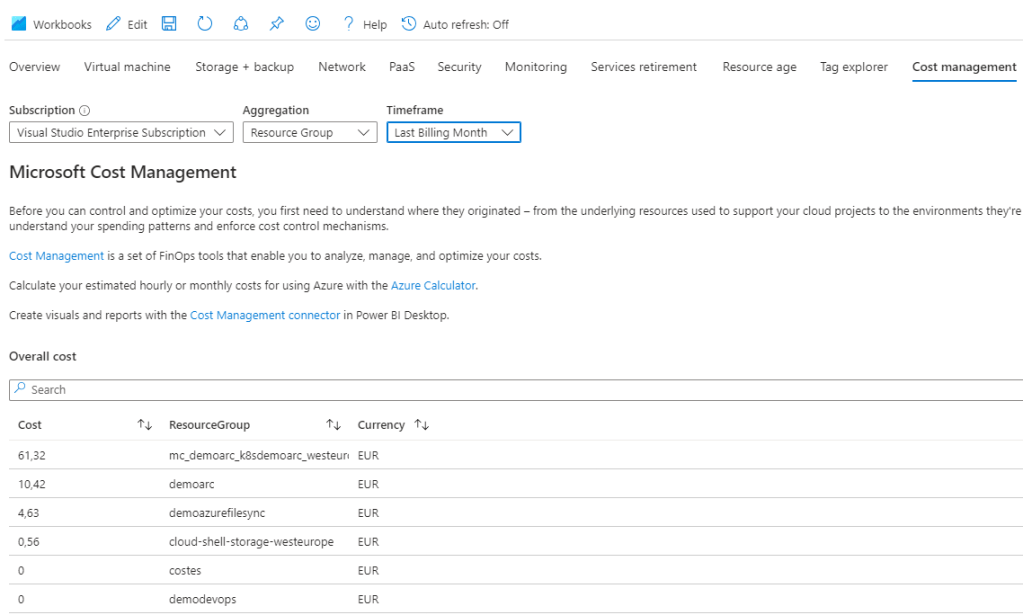
Some TABS in terms of FINOPS Overview are “Cost Management”..in this case by resource group..
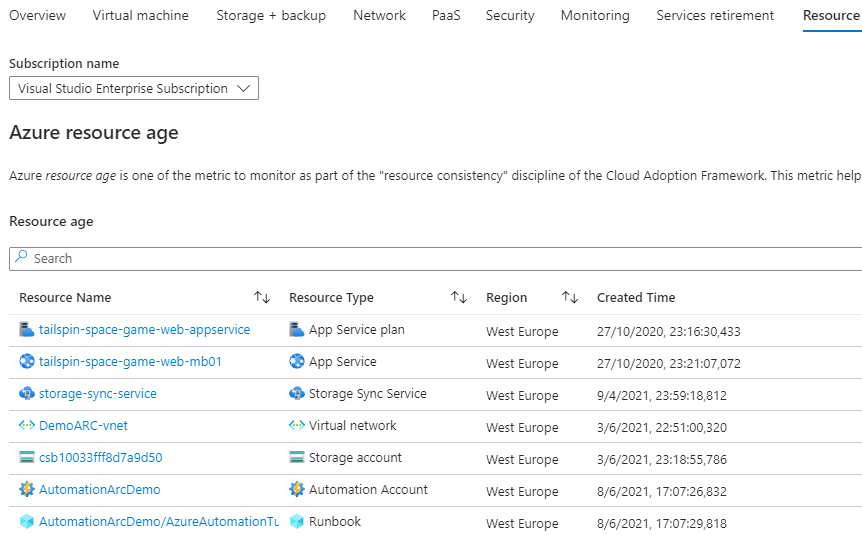
“Resource Age” which brings a lot of metadata and provide information such as when was created a “Resource Group” or when it was modified. Let´s say you have some old workloads deployed by the last admin in your company who run away to Australia to live in the forest with crocodiles and wonderful snakes. This can help you figure out what happened with those workloads and do some forensic work.
I love this one, “Tag Explorer”. It assist you to know which resources are aligned with an specific Tag. (Yes, maybe in the future will be easier with Copilote for Azure). But this is the romantic approach.
In this case, i can see my Virtual Machines within my Hyper-V at home.

Finally,”Service Retirement” related somehow with Finops (as these kind of services should be retire and maybe they are expensive..or not used anymore)

In the next post we´ll see a Hype on Azure,Azure OPEN AI, as revolutionary service, but related with Finops. Wait for the surprise till then. 🙂
Enjoy the journey to the cloud with me…see you soon.
 THE CLOUD COMMUNITY BLOG